Our themes are built to be customized quickly and easily without touching any code. Everything is handled from the WordPress Customizer so you can see changes in real time before saving anything.
Getting to the Customization Panel
Step 1: Log in to your WordPress dashboard.
Step 2: Go to Appearance > Customize > Theme Panel.
Step 3: Follow the options below based on what you want to change.
Customization Options
Header
Upload your site logo here. Use PNG or JPG format. Recommended size is 104px wide and 36px tall for the best fit.
Home Customizations
Change the intro text that appears on your homepage. Look for the Featured Home Title option and update it to match your site.
Header Menu
Customize the navigation links in your header. You get three menu slots by default, for example Games, Apps, and Articles. Update the labels and links to match your site structure.
Home Category
Control the category sections that appear on your homepage. By default two category sections are included. Expand each one to edit the heading, description, category link, and number of posts to display. Click Add New Category to add as many sections as you need.
Footer Menu
Update the footer navigation links and labels from here.
Advertisement Control
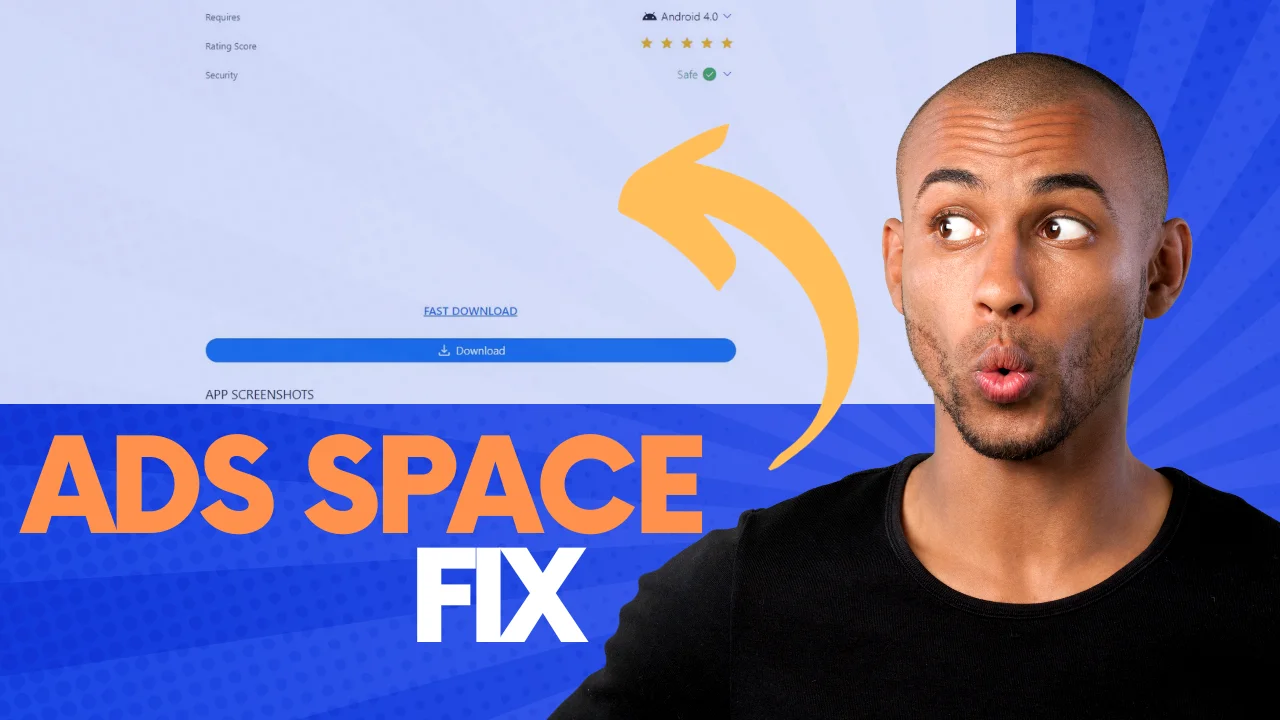
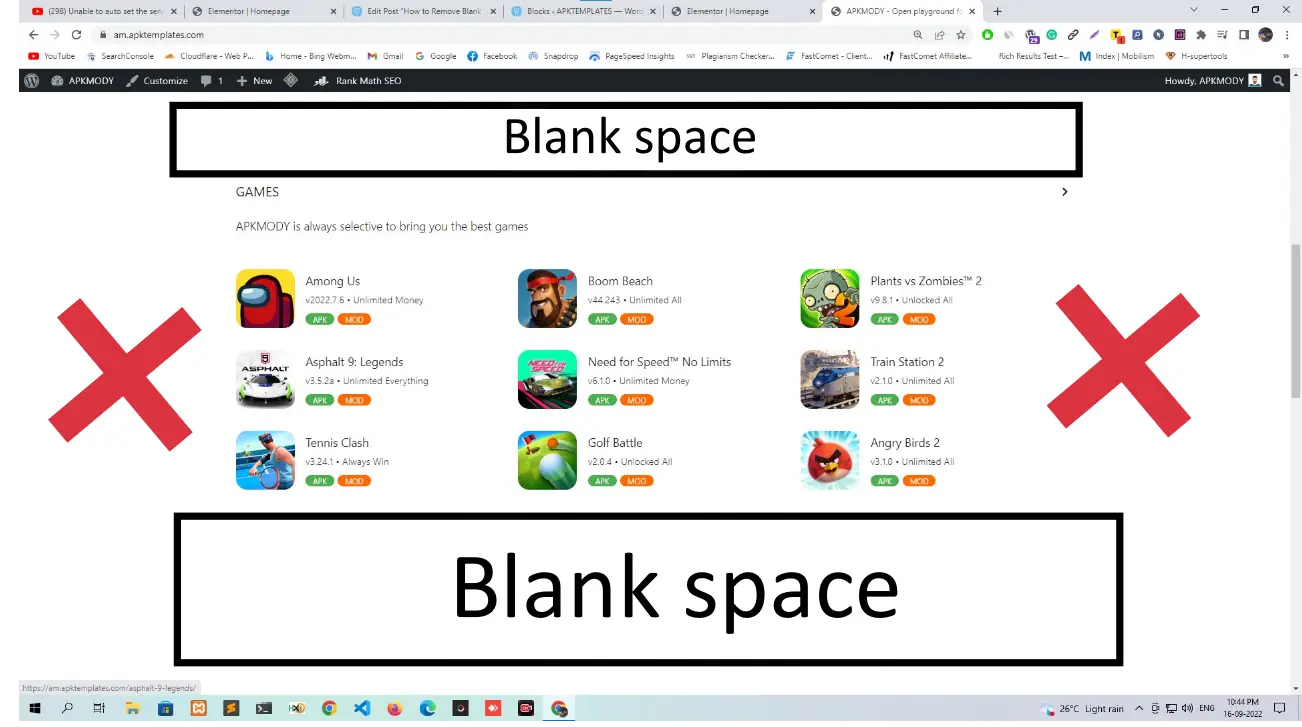
Enable or disable ad slots across your site with a single toggle. All ads are turned off by default. The following ad areas are available:
Home Top Ads
Home Bottom Ads
Single Top Ads
Single Bottom Ads
Archive Top Ads
Archive Bottom Ads
Download Top Ads
Download Bottom Ads
Enable the toggle for any slot you want to use, then paste your ad code into the field that appears.
Social Accounts
Add your social platform links here. Currently supports Telegram. Remove the default link and replace it with your own.
Important: Always click the Publish button at the top of the Customizer after making changes. If you close without publishing, your changes will not be saved.
For a full video walkthrough, watch below.
Comments
0 comments
No comments yet
Be the first to share your thoughts!
Leave a Comment
Your email will not be published. Required fields are marked *