
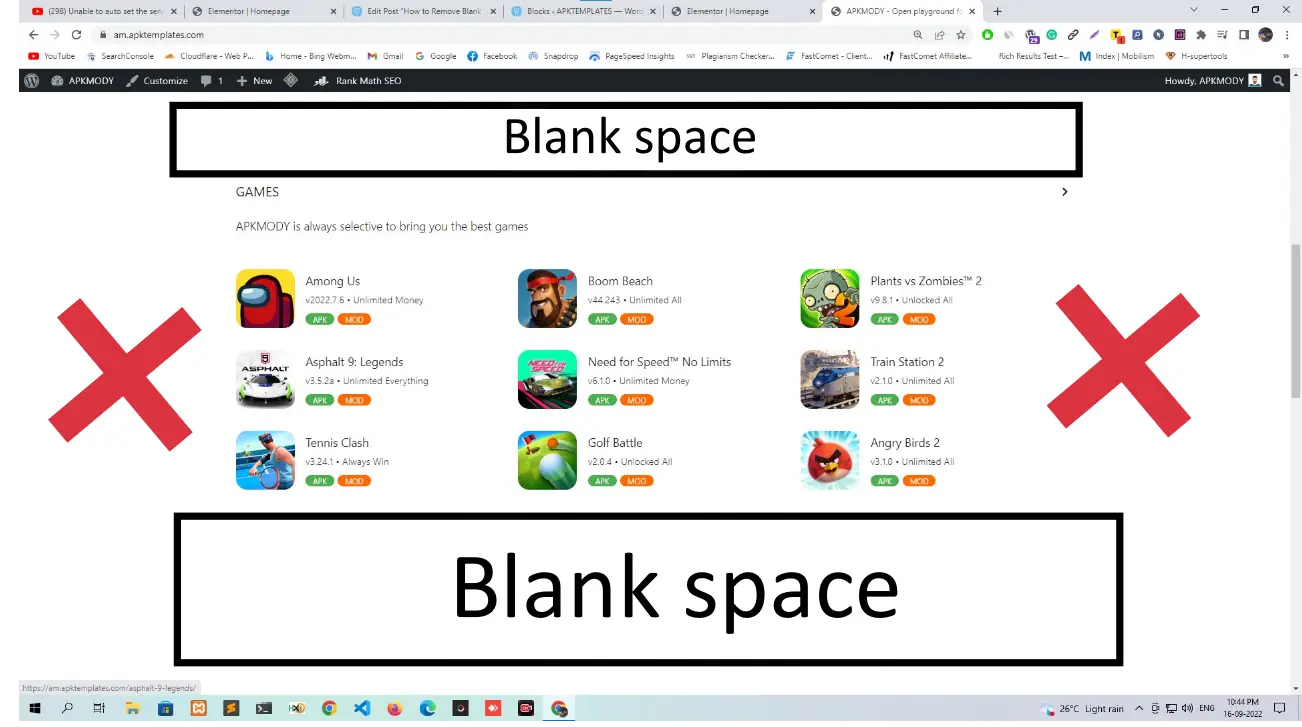
The ad slots in the APKMODY theme are sized by default for Google AdSense units. If you are using a different ad network or custom banners, the ad containers may appear too large or leave unwanted blank space around your ads.
The fix is a single CSS snippet added through the WordPress Customizer.
Steps to Fix
Log in to your WordPress dashboard.
Go to Appearance > Customize.
Click on Additional CSS at the bottom of the left panel.
Paste the following code:
css
.above-ad-unit {
    min-height: auto;
}
Click Publish.
That is it. The ad container will now adjust its height automatically based on the actual content inside it instead of holding a fixed minimum height.

Comments
0 comments
No comments yet
Be the first to share your thoughts!
Leave a Comment
Your email will not be published. Required fields are marked *