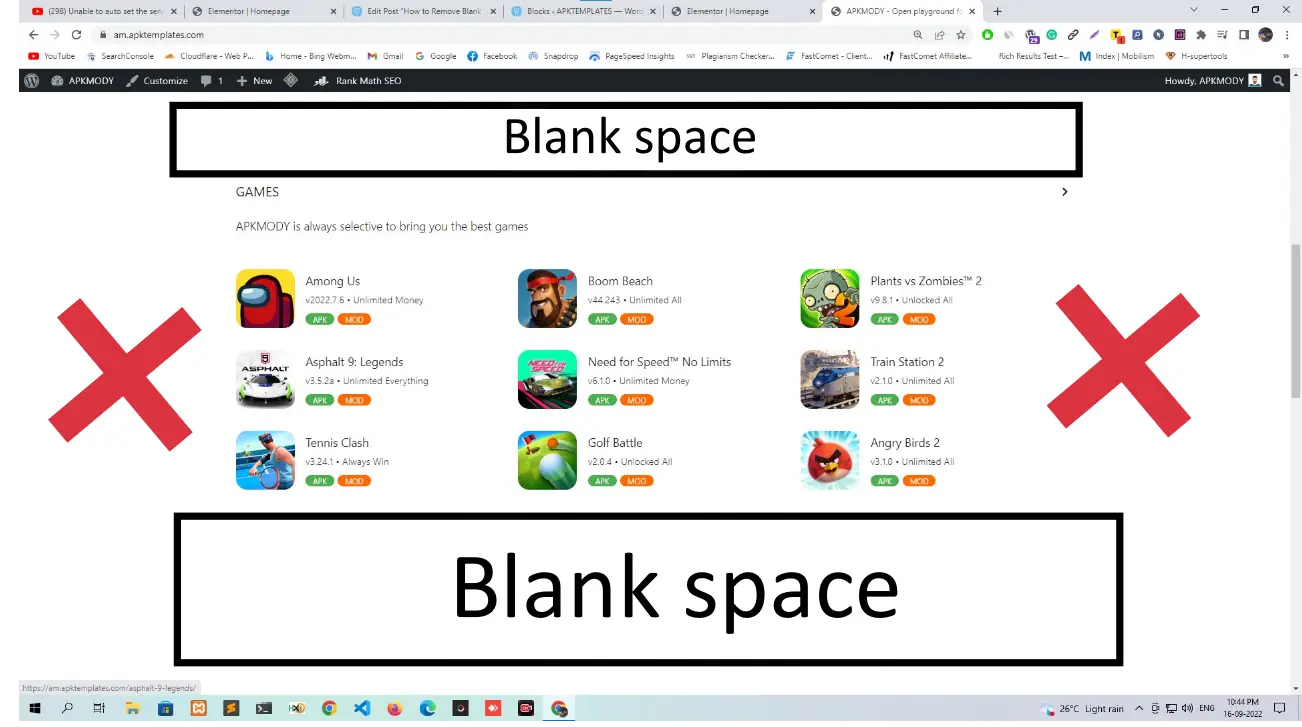
If you are seeing blank spaces on your site after installing the APKMODY theme, it is usually because the advertisement slots are enabled but no ad code has been added yet. The fix takes less than a minute.
Steps to Fix
Go to Appearance > Customize > APKMODY Theme Panel > Advertisement Control and toggle off all the advertisement switches. Once disabled, the blank spaces will disappear from your site.
That is it. The blank spaces appear because the ad containers are active but empty. Turning them off removes the containers completely until you are ready to add your ad codes.
For a visual walkthrough, watch the video below.


Comments
0 comments
No comments yet
Be the first to share your thoughts!
Leave a Comment
Your email will not be published. Required fields are marked *